
Open a customer's record and edit their details
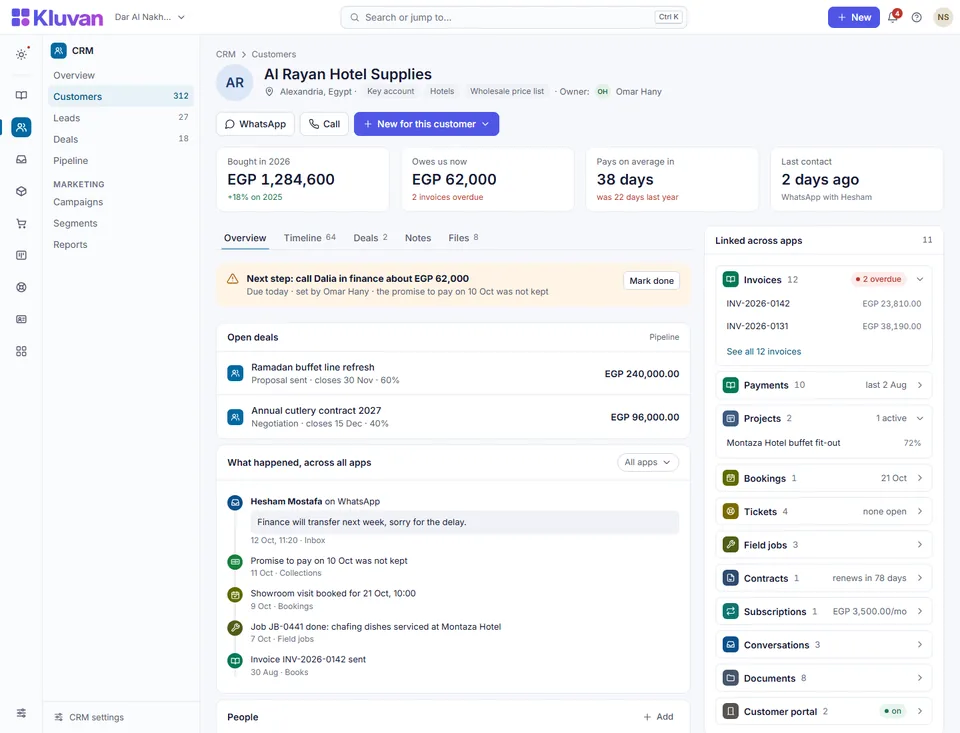
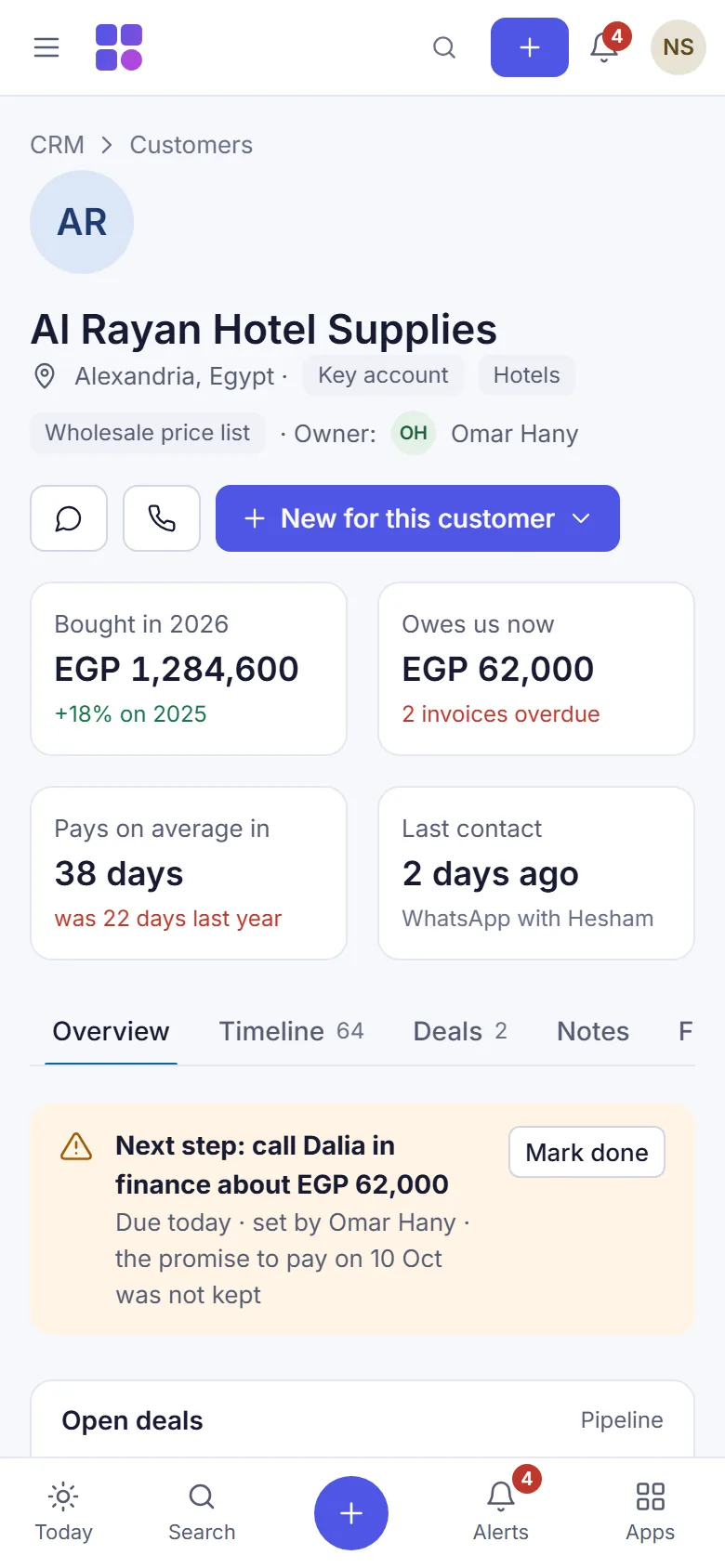
The customer record (Customer 360) puts everything you know about one customer on one page, so anyone who talks to them starts from the same facts.
Before you start
- The CRM must be switched on. See set up the CRM.
- To see the record you need See the CRM: customers, segments, results; to change it you need Change the CRM: tags, notes, consent, segments, campaigns, deals.
Steps
- Open CRM.
- Type a name or a phone number in the search box (Name or phone) and search.
- Select the customer's name. Their record opens.
- Read the top of the page: visits, total spent, average bill, last visit, what they owe, and their group with the recency, frequency and spend scores.
- Under Details, fill in or correct E-mail, Birthday (month and day, for example 05-17), City and Language for messages.
- In Tags, type the tags separated by commas, for example
wholesale, vip. - Select Save.
- Under Next action, type what should happen next (for example "Call back about the offer"), pick a day, and select Save.
- Under Notes, type a note and select Add.
What the record shows
- Purchases: visits and spend for the last 12 months and all time, first and last visit, the favourite products and the latest documents.
- Group: Champions, Loyal, New, Promising, Regular, At risk or Lost (see below).
- More about the customer: their balance and any promise to pay, bookings, job orders and projects, when those apps are on.
- WhatsApp conversation: the latest messages from the Inbox, with Open in the inbox, when the Inbox app is on.
- Deals, Messages sent by campaigns and flows, and Consent per channel.
Good to know
- Where the figures come from. A "visit" is an invoice you issued in Books (or in another app that issues through Books) or an online order that was delivered. Credit notes count as money back. Draft documents do not count.
- Groups are worked out every night. Recency and frequency use fixed steps (bought in the last 7 days scores 5; 12 or more purchases a year scores 5), and spend is scored against your other customers. Select Update the figures now on the CRM overview to work them out at once.
- The birthday keeps only the month and day; the year is not stored.
- If the record has no e-mail, the address used for the customer's payment reminders is used, unless the customer stopped those e-mails.
- There is no bulk edit: you change one customer at a time.
- Next: record a customer's consent.
Was this page helpful?
Thank you. Your answer helps us improve this page.
Still need help?
Chat with us on WhatsApp. Tell us what you were doing and, for an error, the code after the # in the link.