
HR
HR keeps everything about the people who work for you in one place: their employee files and documents, time off, shifts and rosters, attendance from phones and fingerprint or face terminals, letters, checklists, reviews and hiring. It is made for teams of about 2 to 50 people.
The owner switches it on and decides who may see it. Managers run the day-to-day work, and each person can get their own page to ask for time off, read notices and see their shifts and payslips. Pay and payroll live in the Payroll app, which needs HR.
Start with Switch on HR and choose who sees it.
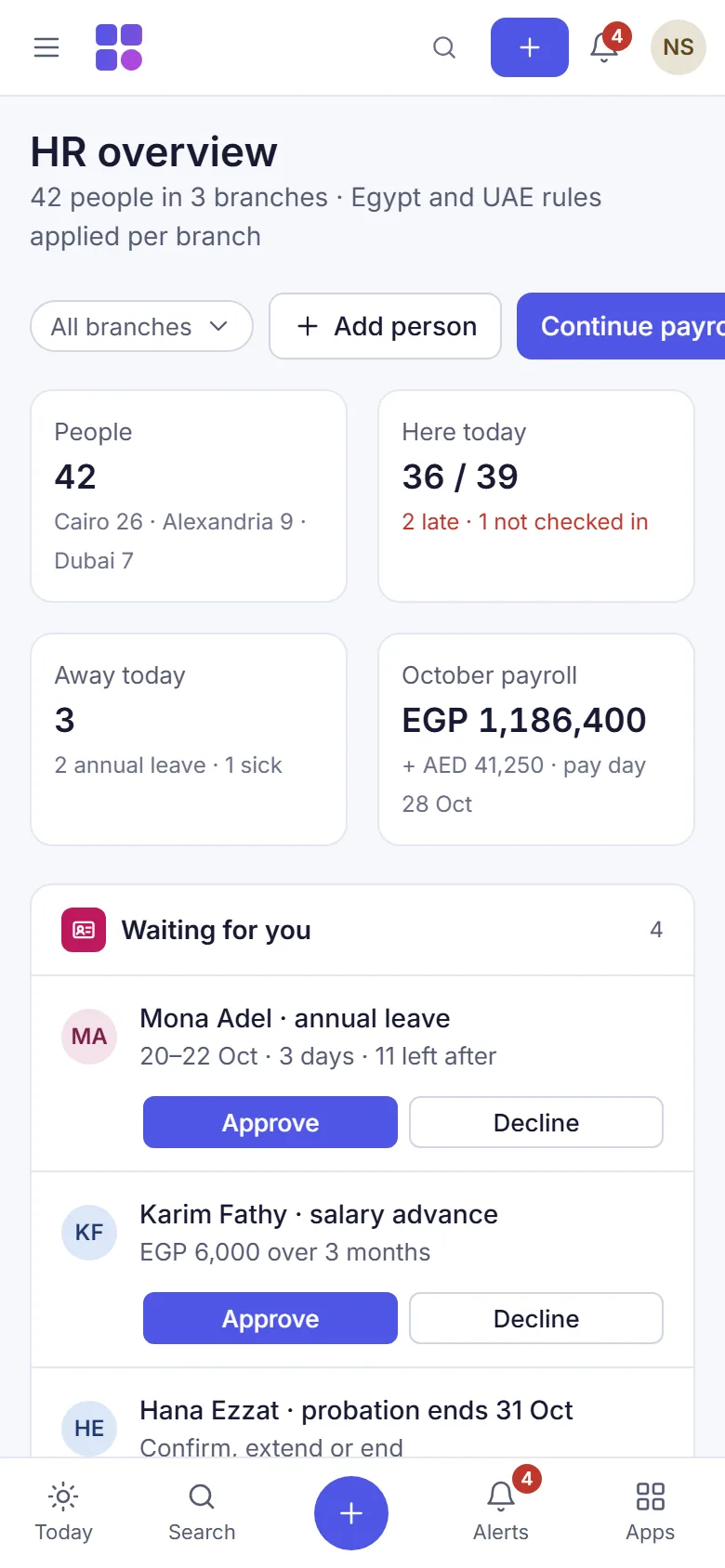
- Switch on HR and choose who sees itSwitch the HR app on, then give managers the HR rights they need. Salaries stay hidden from anyone without the payroll right.
- Add people and fill in their employee filesAdd each person to the staff list, then open their HR file to record the job, the reporting line and personal details.
- Keep documents and track expiry datesStore passports, visas, IDs, contracts and licences with their expiry dates and an encrypted scan, and get reminded before they run out.
- Build the org chart and post noticesSet up departments and positions, draw the organisation chart from each person's manager, and post notices with read receipts.
- Set up time off and decide requestsSet your leave types, earning and carry-over, then approve or reject time off requests and see who is away on the team calendar.
- Check and correct public holidaysReview the public holidays your country pack starts with, correct the moon-dependent dates when they are announced, and add your own.
- Plan shifts and publish the weekly rosterMake shift templates, place them on the weekly roster for each branch, check the warnings, publish, and decide swap requests.
- Let staff clock in from their own phoneSwitch on phone clock-in, approve each person's phone, and optionally check the branch location and ask for a selfie.
- Connect an attendance device or upload its fileBring punches from ZKTeco and Hikvision fingerprint or face terminals onto the timesheet, live over the internet or from an exported file.
- Set work rules and approve timesheetsSet overtime, night, rest-day, Ramadan and lateness rules, correct punches, then approve and lock each period's timesheets for payroll.
- Decide requests in the approvals inboxSee time off, shift swaps, staff requests and held punches in one list, decide them one by one or together, and hand the inbox over while you are away.
- Give each person their own HR pageMake a personal link so staff without a sign-in can see their shifts, time off, payslips and notices, and send requests from their phone.
- Use your own HR pageFor staff: see your shifts, time off, attendance and payslips, ask for time off or an advance, and read notices from your phone.
- Write letters and certificatesWrite salary and employment certificates, no-objection and experience letters, offers and contracts from templates, numbered and kept in a register.
- Run onboarding and offboarding checklistsStart a checklist when someone joins or leaves. Finishing an offboarding takes away their sign-in, marks them as left and opens the final settlement.
- Track items issued to staffKeep a register of uniforms, keys, phones, cards and vehicles, issue them to people, and see what is still out when someone leaves.
- Run performance and probation reviewsOpen a review cycle with goals, let each person rate their own work, then add the manager's rating and notes. Probation reviews open by themselves.
- Give and record a warningRecord a verbal, written or final warning on a person's file, let them acknowledge it, and print it as a numbered letter.
- Hire through your public jobs pageHR's simple hiring page and public jobs page still work, but hiring now belongs in the Recruitment app. Move your applicants there in one step.
- See headcount and turnoverSee how many people you employed each month, who joined and who left, and your turnover rate, from the employee files.
- Export or remove a leaver's personal dataExport everything HR holds about one person, and remove a leaver's personal data once the legal retention period has passed.
- Connect other systems with the HR open APILet a payroll bureau, an access system or a reporting tool read HR data and send punches with a scoped key, and receive signed HR webhooks.
Was this page helpful?
Thank you. Your answer helps us improve this page.
Still need help?
Chat with us on WhatsApp. Tell us what you were doing and, for an error, the code after the # in the link.